Super Natural Watercolor
Super Natural Watercolor
Couldn't load pickup availability

Timmy's Guarantee
Created by artists, for artists. Love it or get your money back. Trusted by 40k+ creatives!
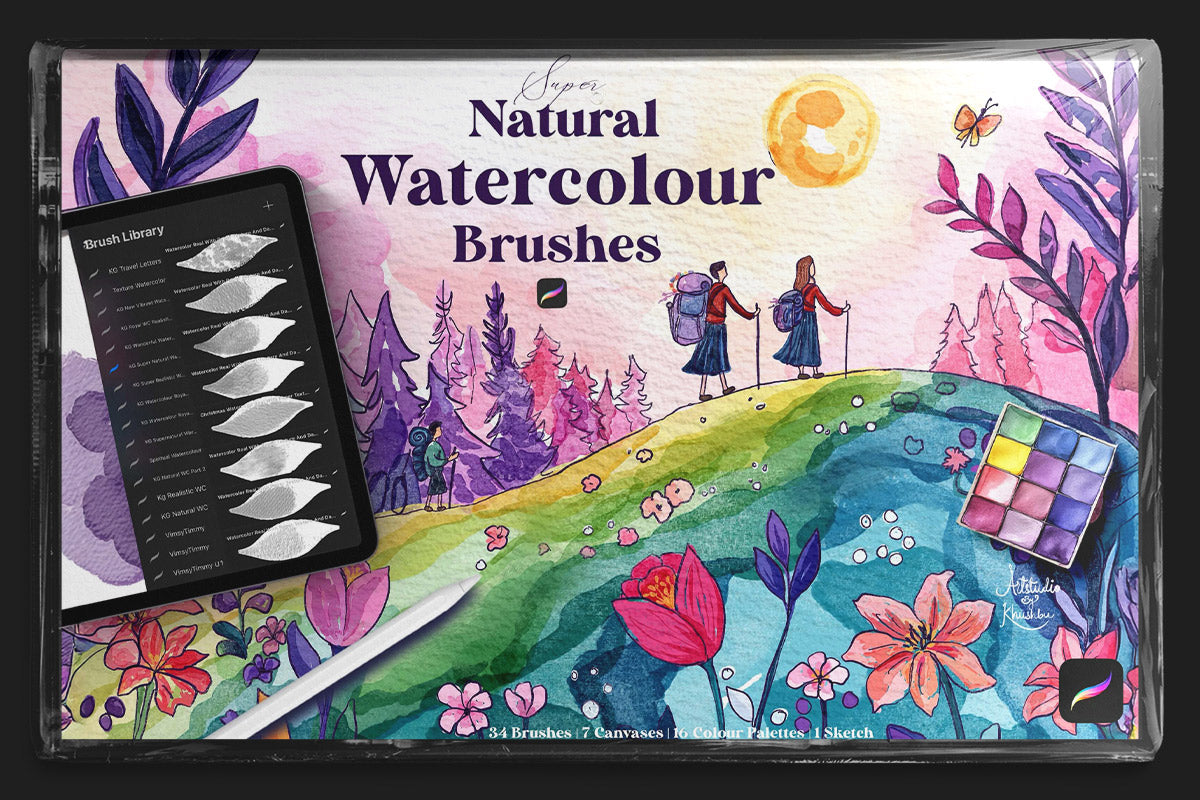
Super Natural Watercolor Brushes for Procreate 🎨
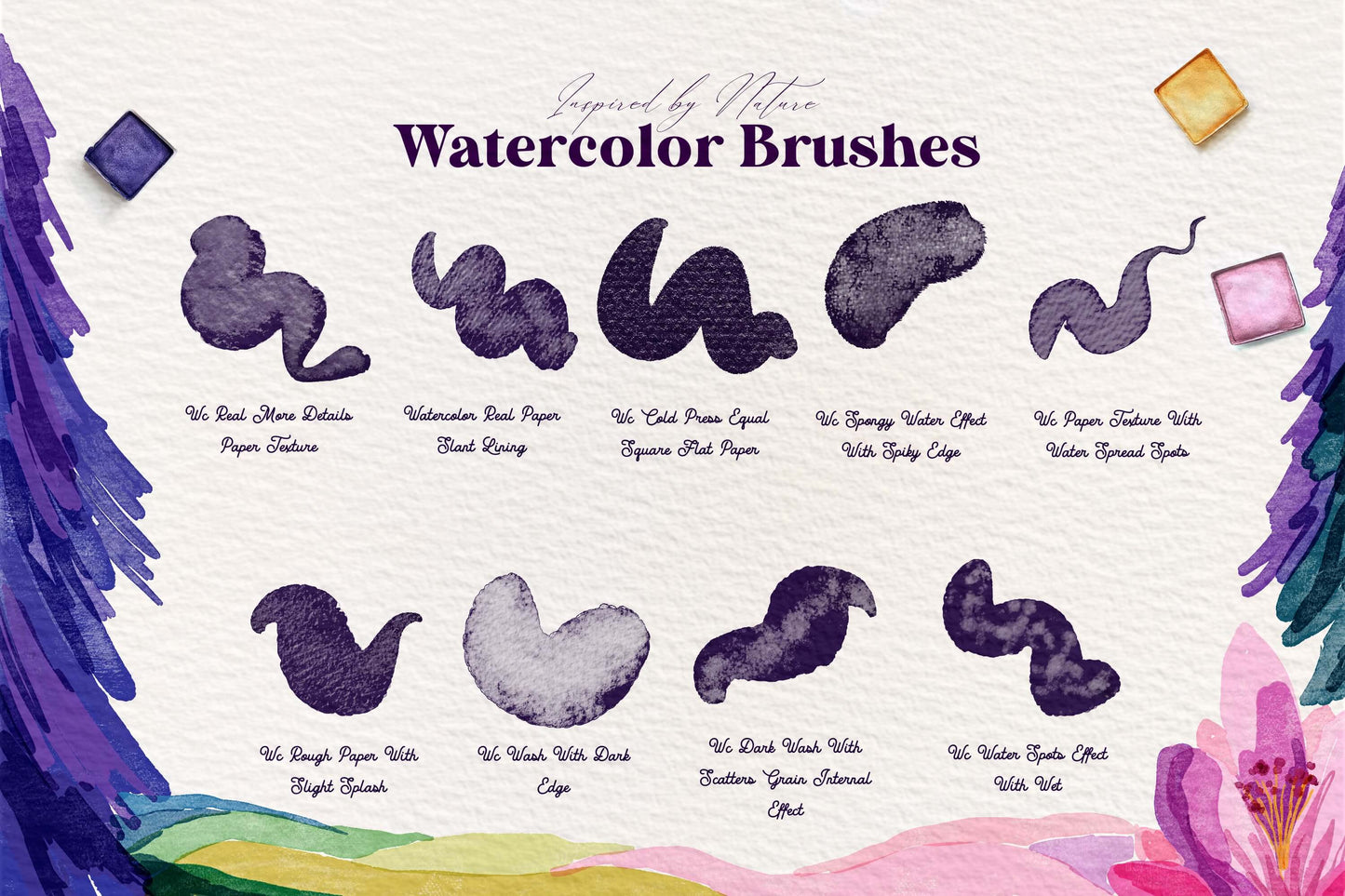
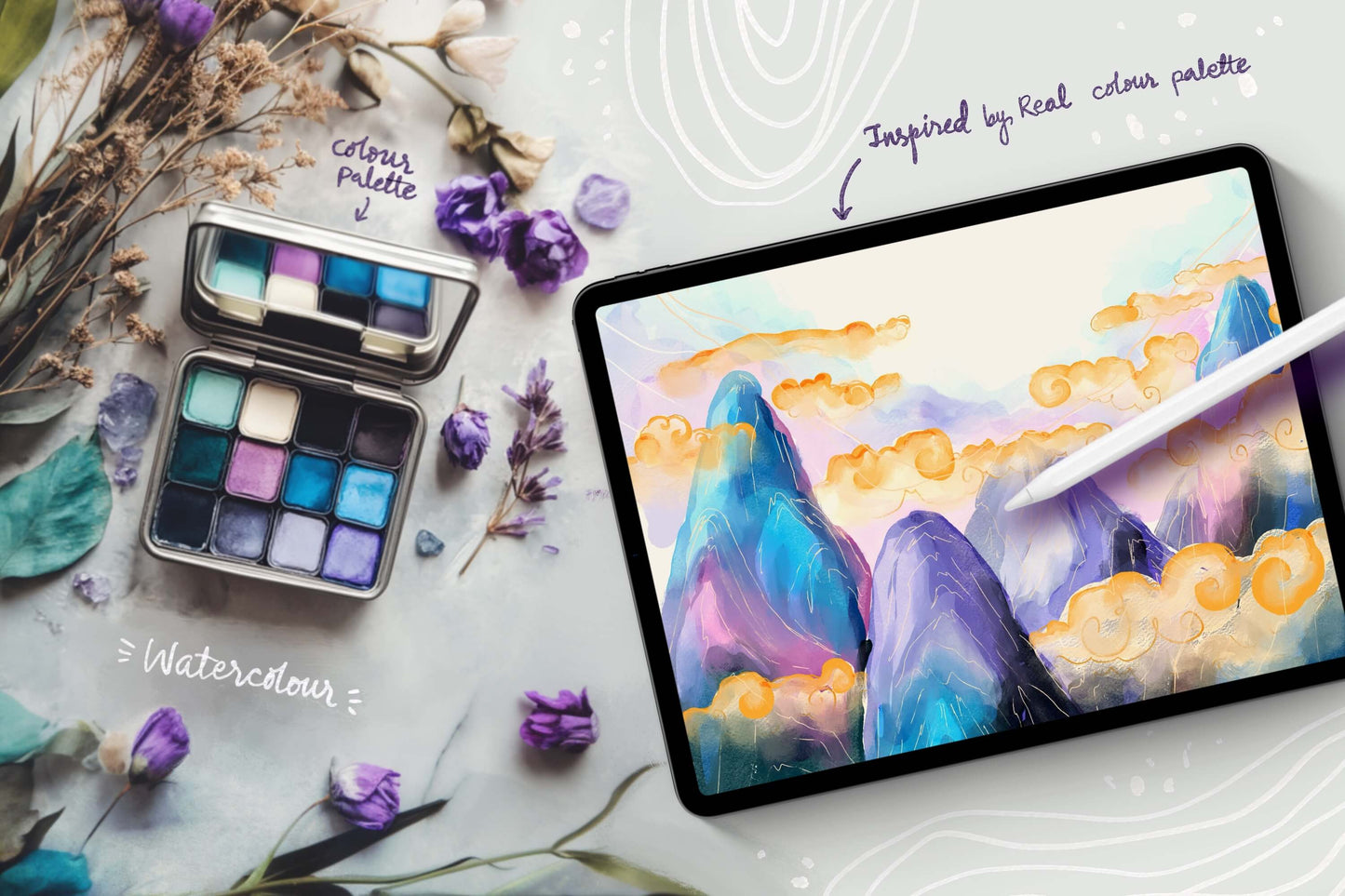
Experience the magic of Super Natural Watercolor Procreate Brushes – the most authentic watercolor simulation for digital artists! These brushes flow, blend, and bleed just like real watercolor on paper, capturing every delicate nuance of traditional painting.
Perfect for professional illustrators and designers, they offer effortless control while maintaining organic, natural textures. Whether you're creating fine art, landscapes, or expressive washes, these brushes bring your digital canvas to life with unparalleled realism. Elevate your creativity with the most natural watercolor experience in Procreate!
Created by Khushbu Gohil.
This Set Includes:
-
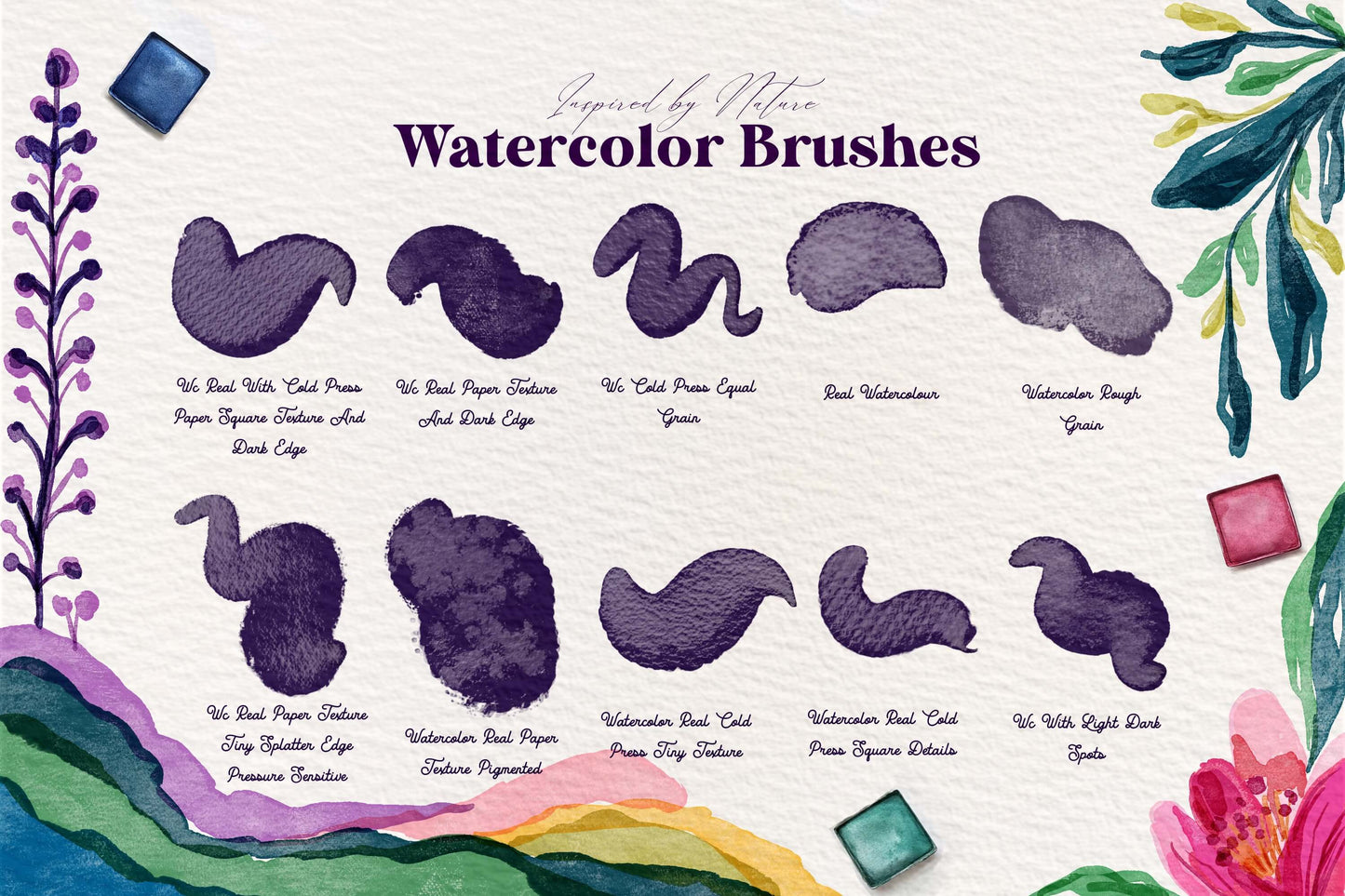
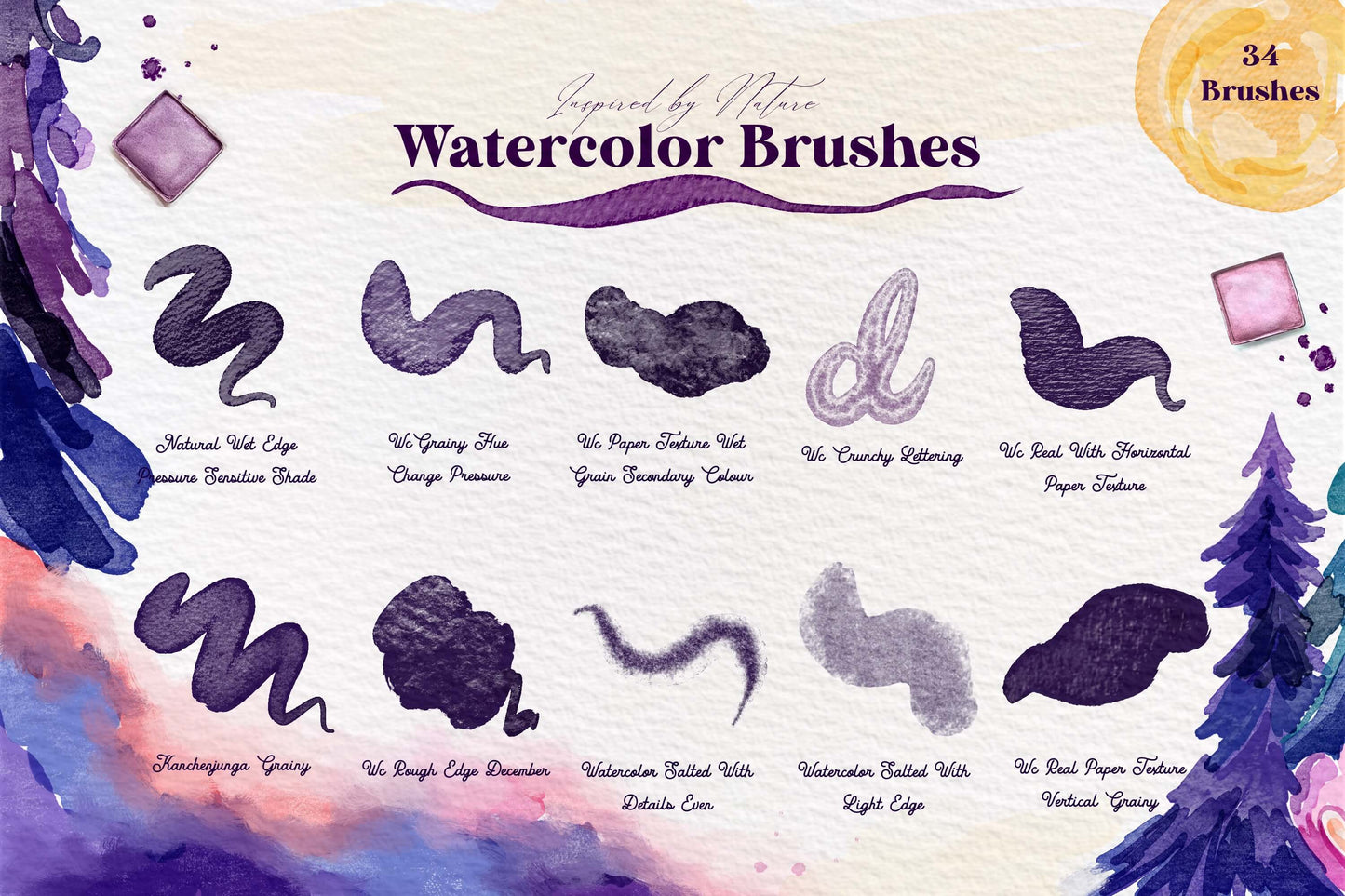
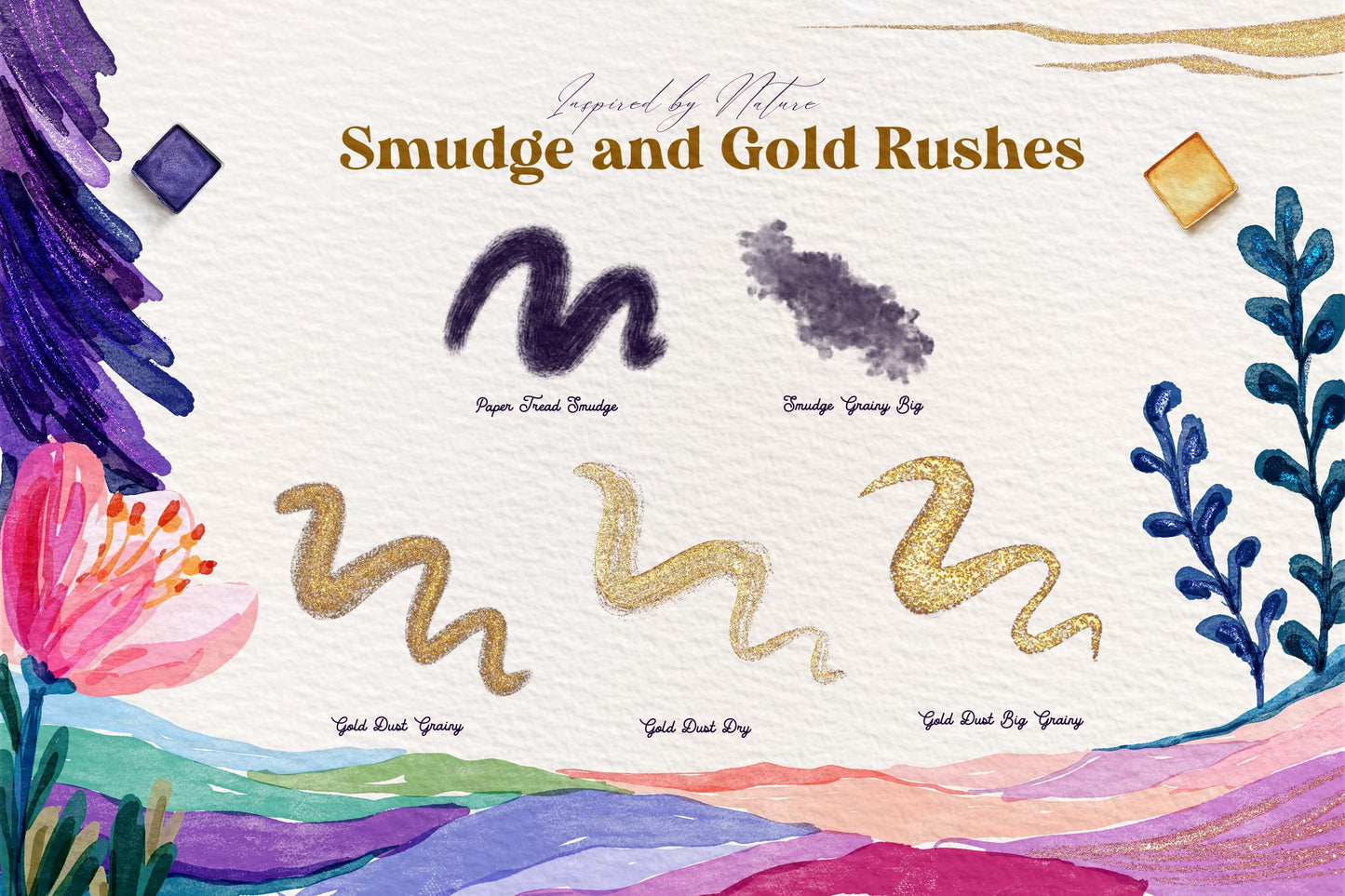
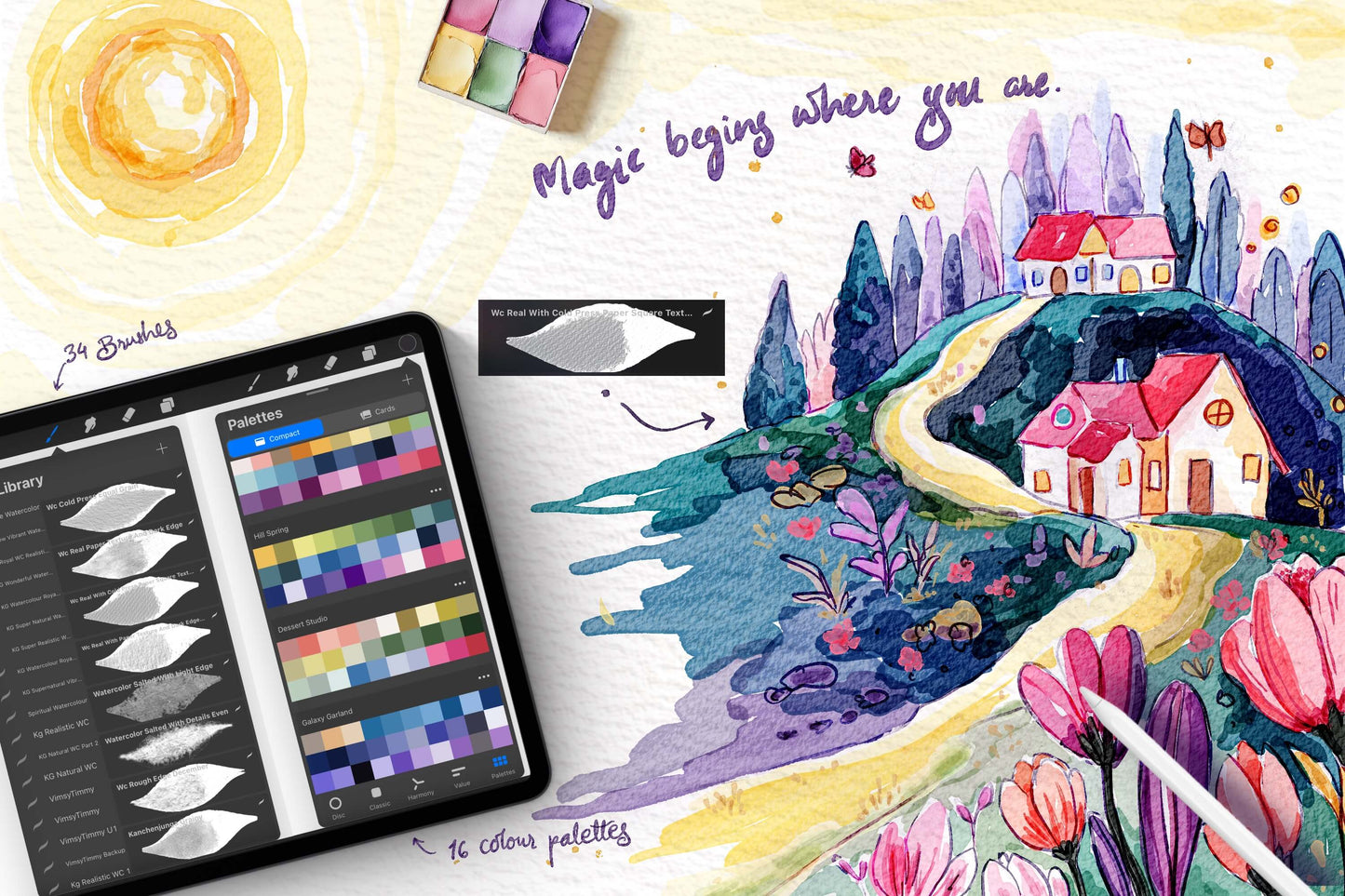
34 Procreate Brushes (watercolor, lettering, smudge, gold)
-
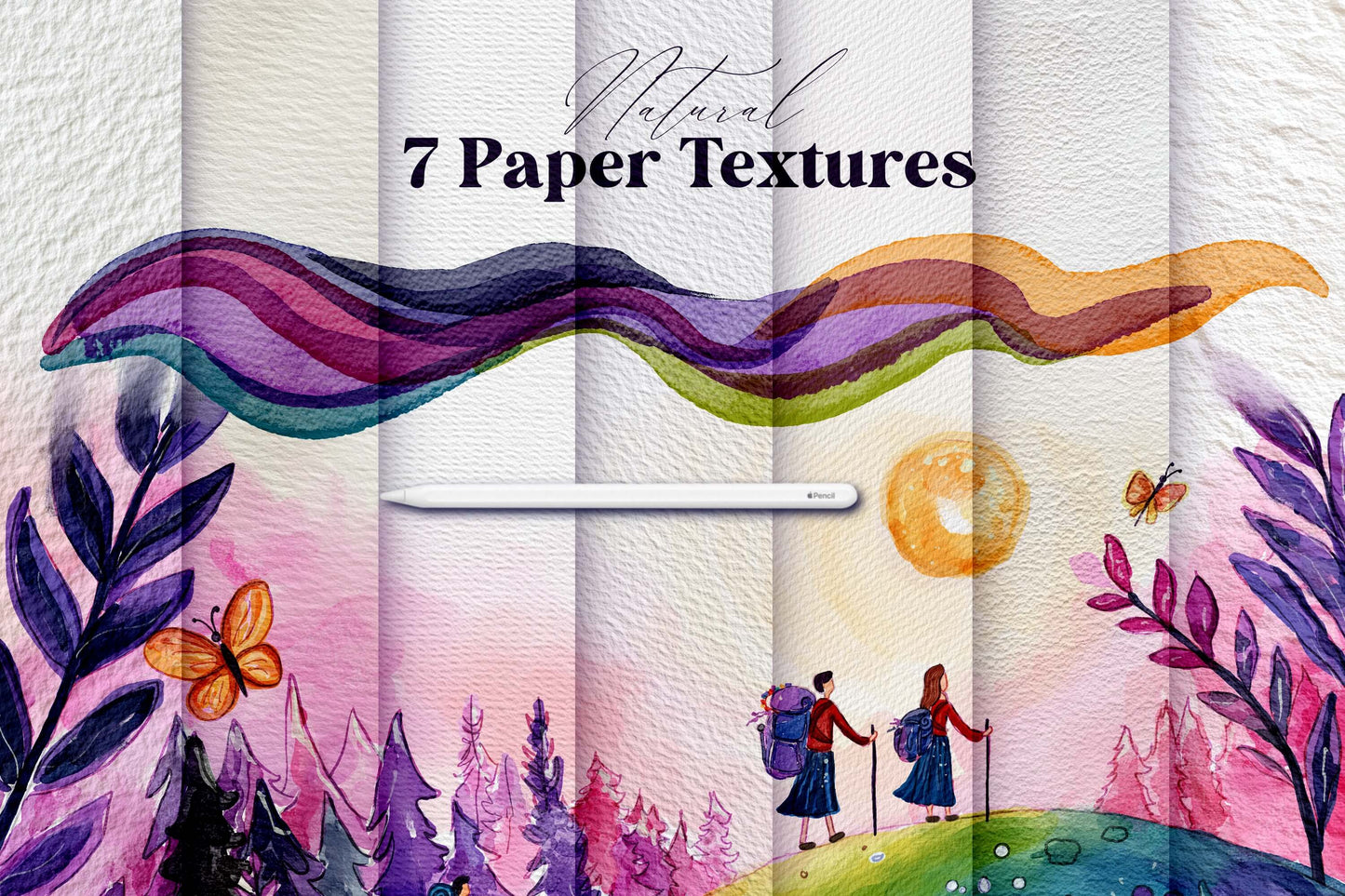
7 Real Canvas Paper Textures (really makes the watercolor brushes pop!)
-
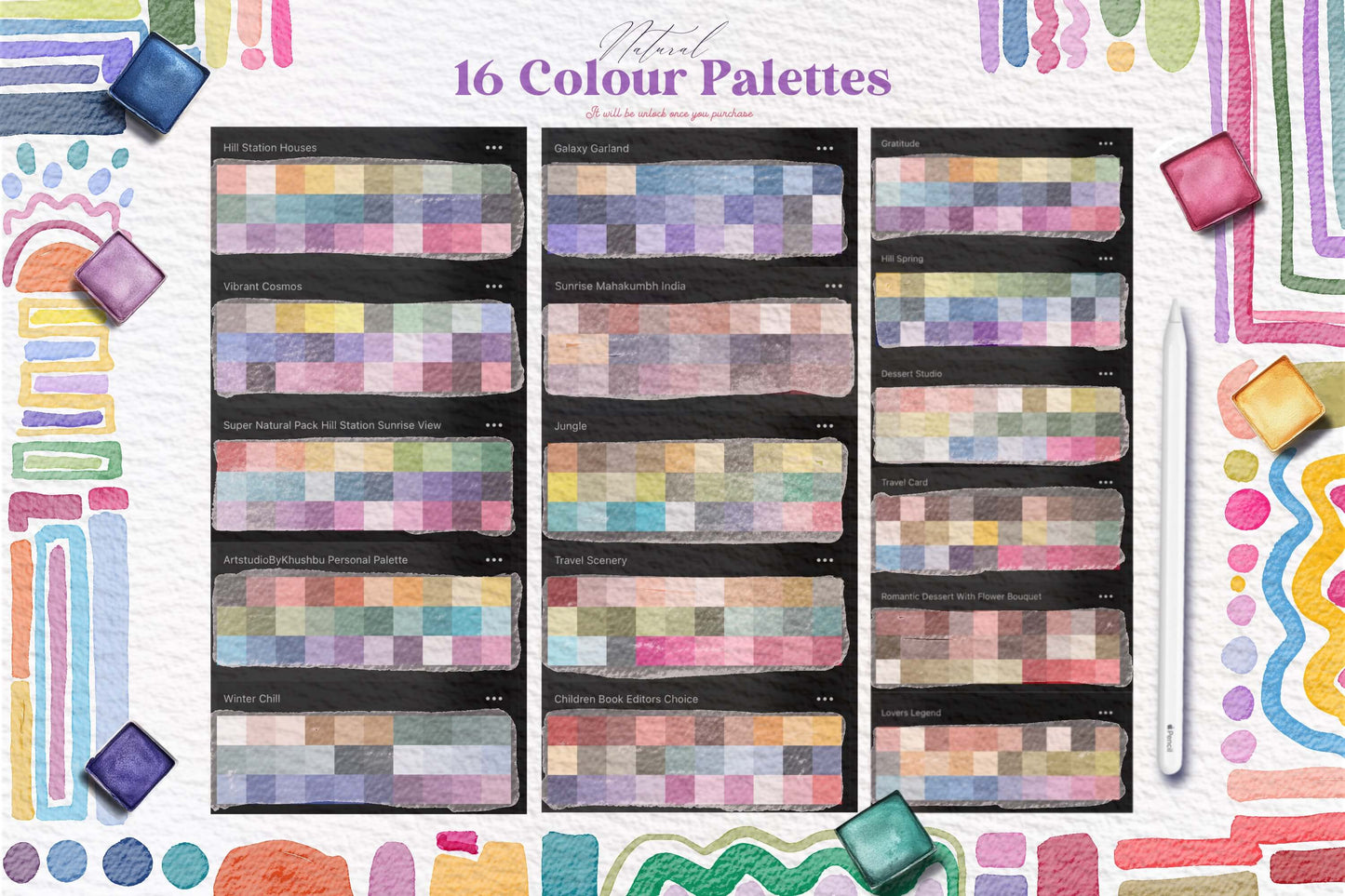
16 Color Palettes (premade vibrant color palettes)
-
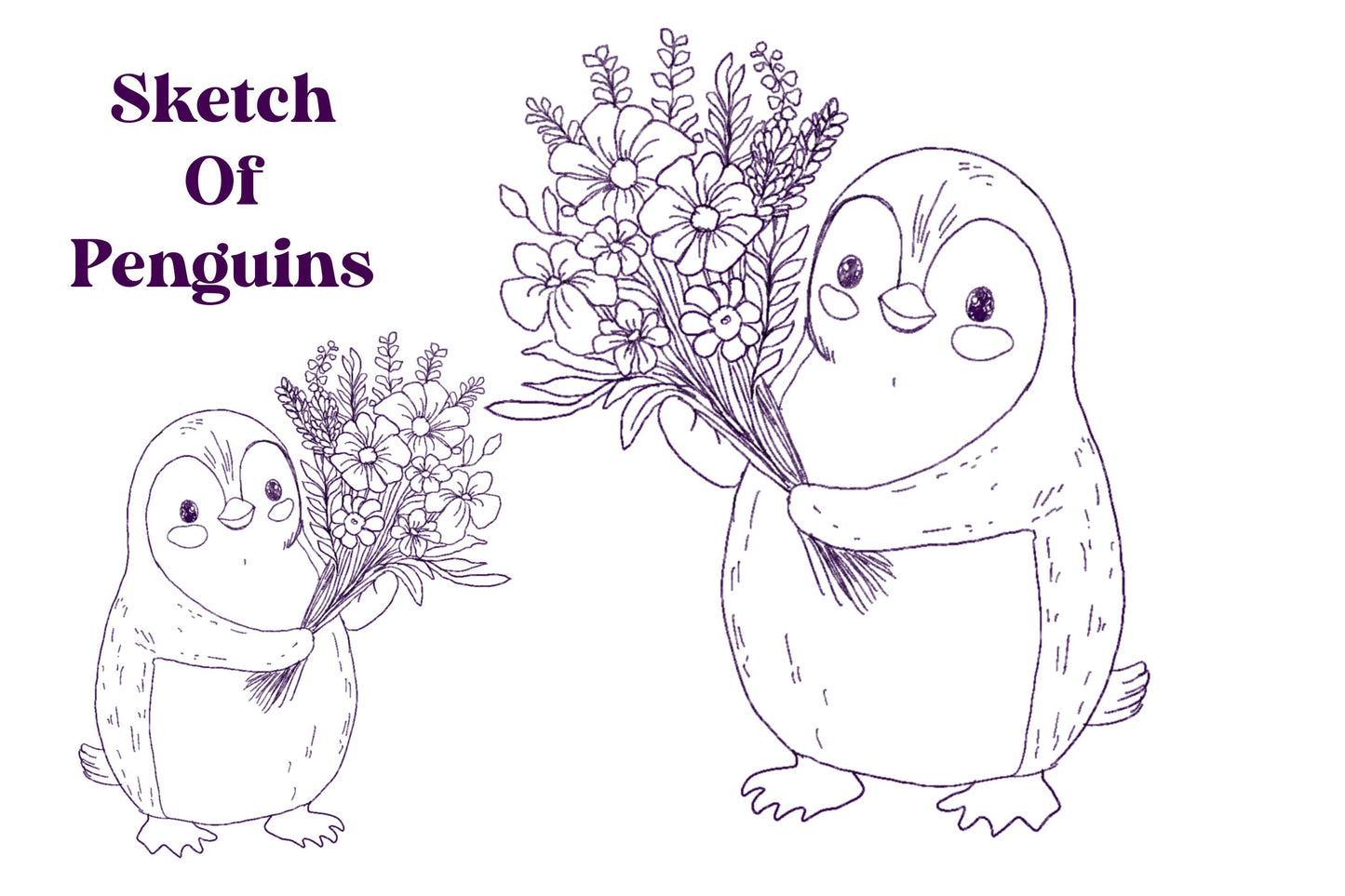
1 Hand-Drawn Sketch (a practice coloring page)
-
PDF Install Guide
Realistic & Natural
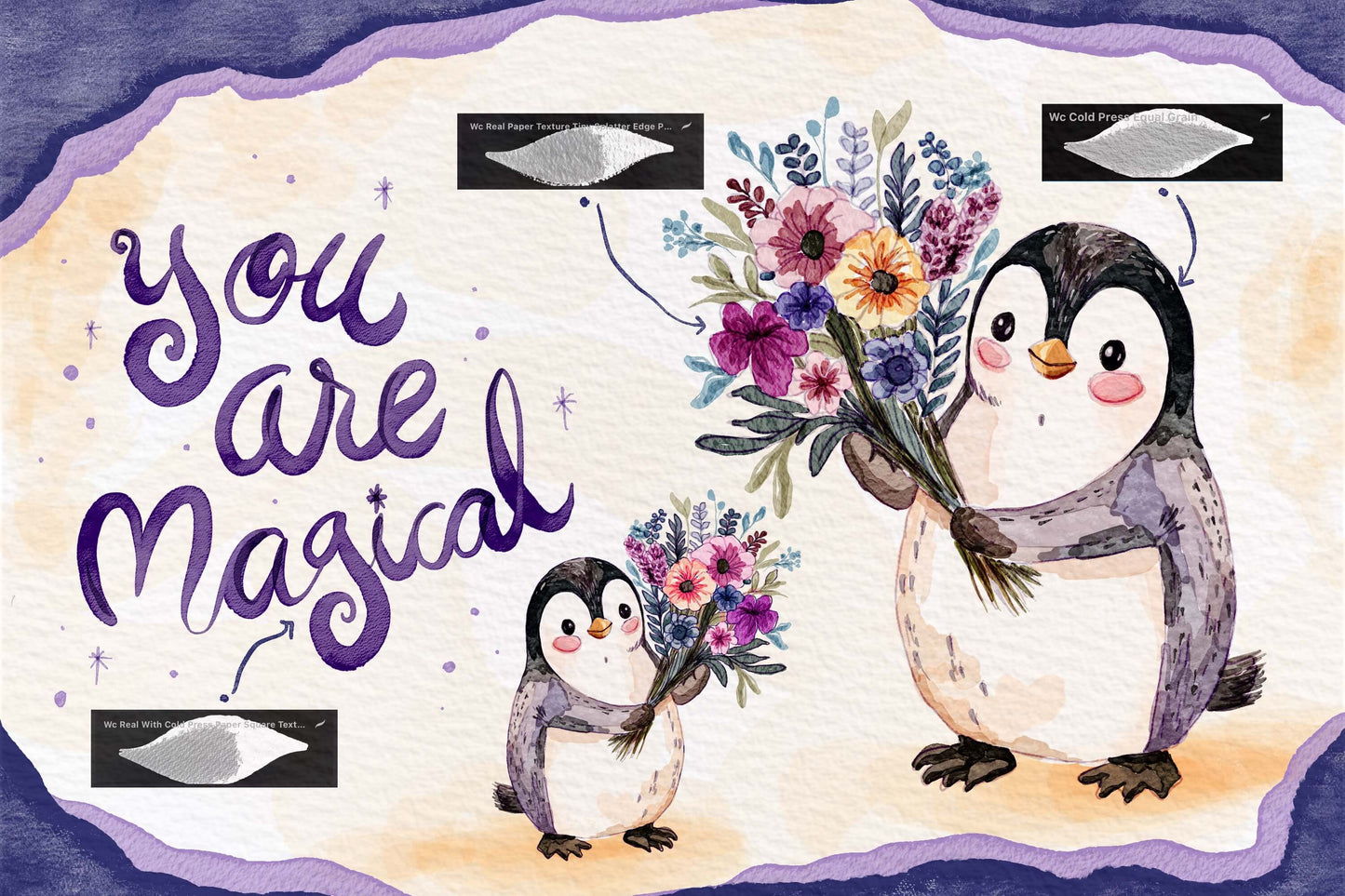
These Super Natural Watercolor brushes for Procreate look incredibly authentic. Crafted and fine-tuned to layer, blend, and smudge to create a realistic and textured artwork. The brushes have built-in paper texture to enhance the true watercolor vibe.
- Made to Mimic Real Watercolors
- Brushes w/ Built-In Paper Texture
- Perfect for Painting & Blending
- Includes Color & Pressure Dynamics
- Fine Tuned and Rigorously Tested